Admin console
The console (app/admin/) is the primary interface for monitoring and controlling the engine. It is a React + TypeScript app served on :5173, talking only to the gateway. Everything it shows about pollers and processors is derived from the registry — it renders whatever components are registered, with no hardcoded component list.
Navigation
| Section | Page | Purpose |
|---|---|---|
| — | Overview | At-a-glance health for pollers and processors. |
| — | Alarms | Active silent-failure and circuit-breaker alarms. |
| — | Event log | Rolling engine events with timestamps and processing times. |
| Engine | Pollers | Every registered poller, with controls. |
| Engine | Processors | Every registered processor, with controls. |
| Users | Traders / Admins | User management, scoped by role. |
Overview
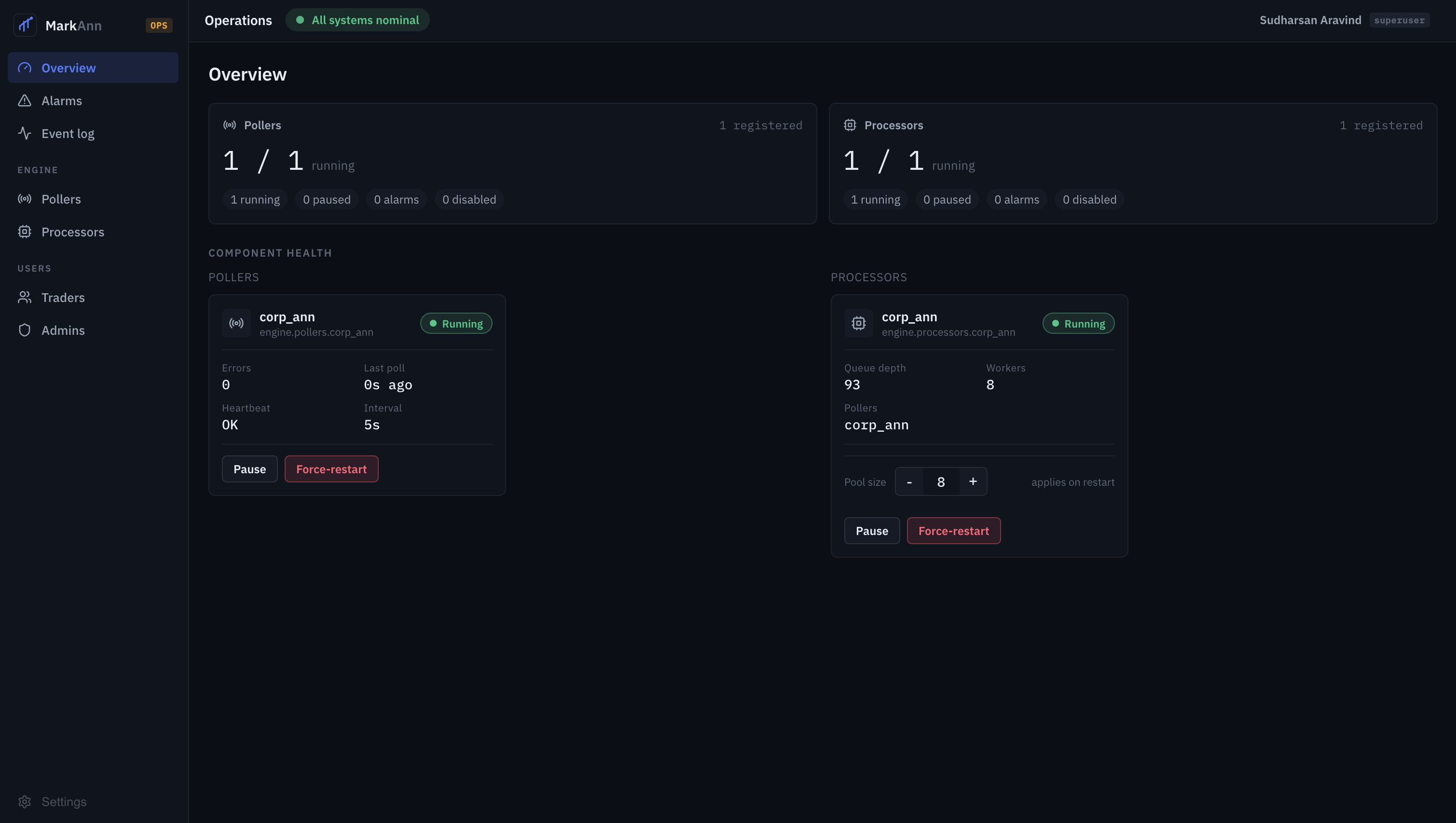
Split Pollers and Processors KPI cards summarise counts (running / registered, plus paused / alarms / disabled), and the Component health section shows a live card per component:
- Poller card — state, error count, last poll, heartbeat, interval, with Pause and Force-restart.
- Processor card — state, queue depth, worker count, linked pollers, an inline pool-size stepper, and Pause / Force-restart.
Pollers
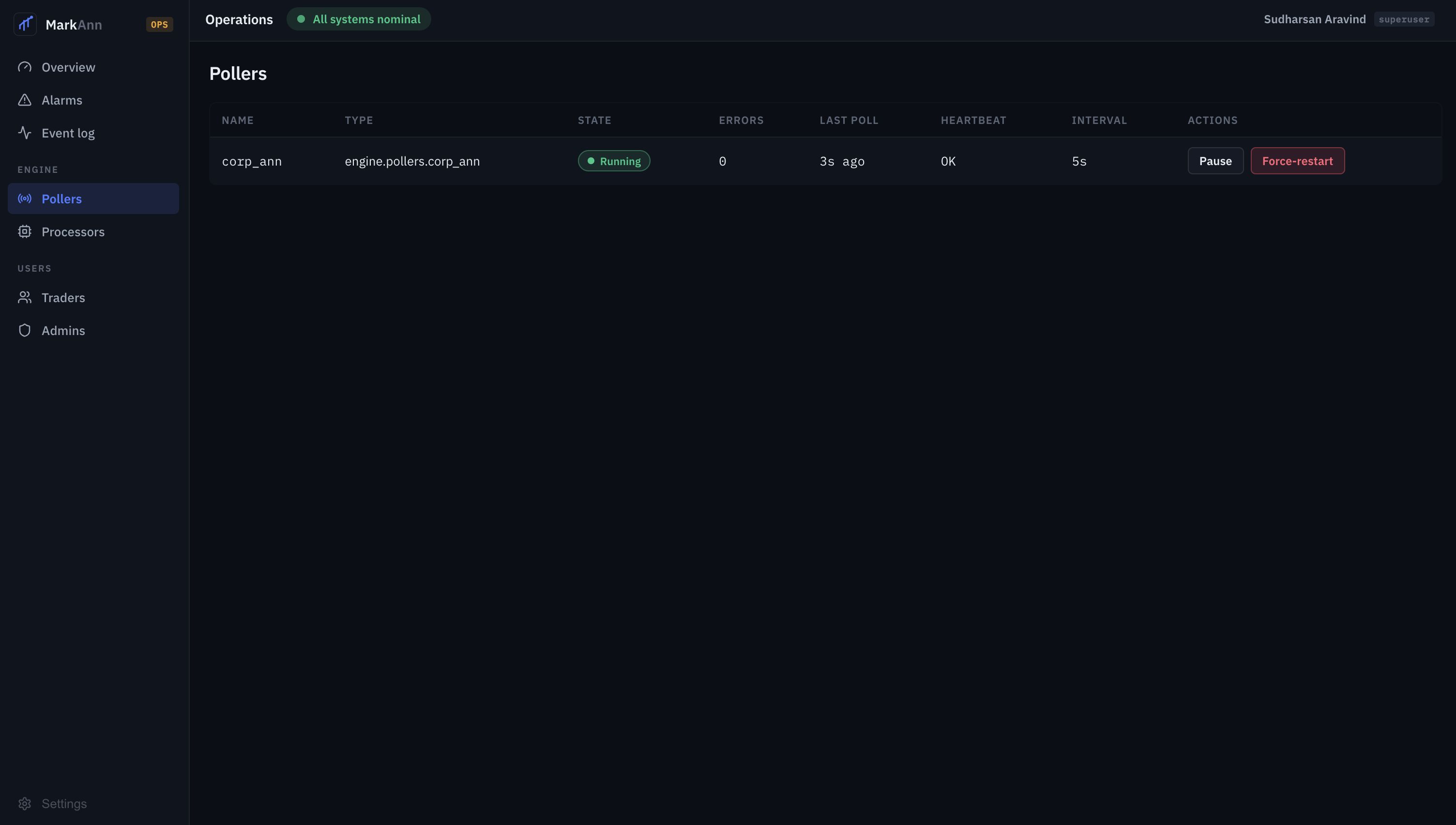
A table of every registered poller: name, type (module path), state, errors, last poll, heartbeat, interval, and actions.
| Action | Effect |
|---|---|
| Pause | Stops the poller (processor:{api} status → paused); the watchdog leaves paused pollers alone. |
| Resume | Restarts a paused poller. |
| Force-restart | Cancels and restarts the poller task immediately. |
States you'll see: running, paused, backing_off (failing, interval growing), circuit_open (circuit breaker tripped).
Processors
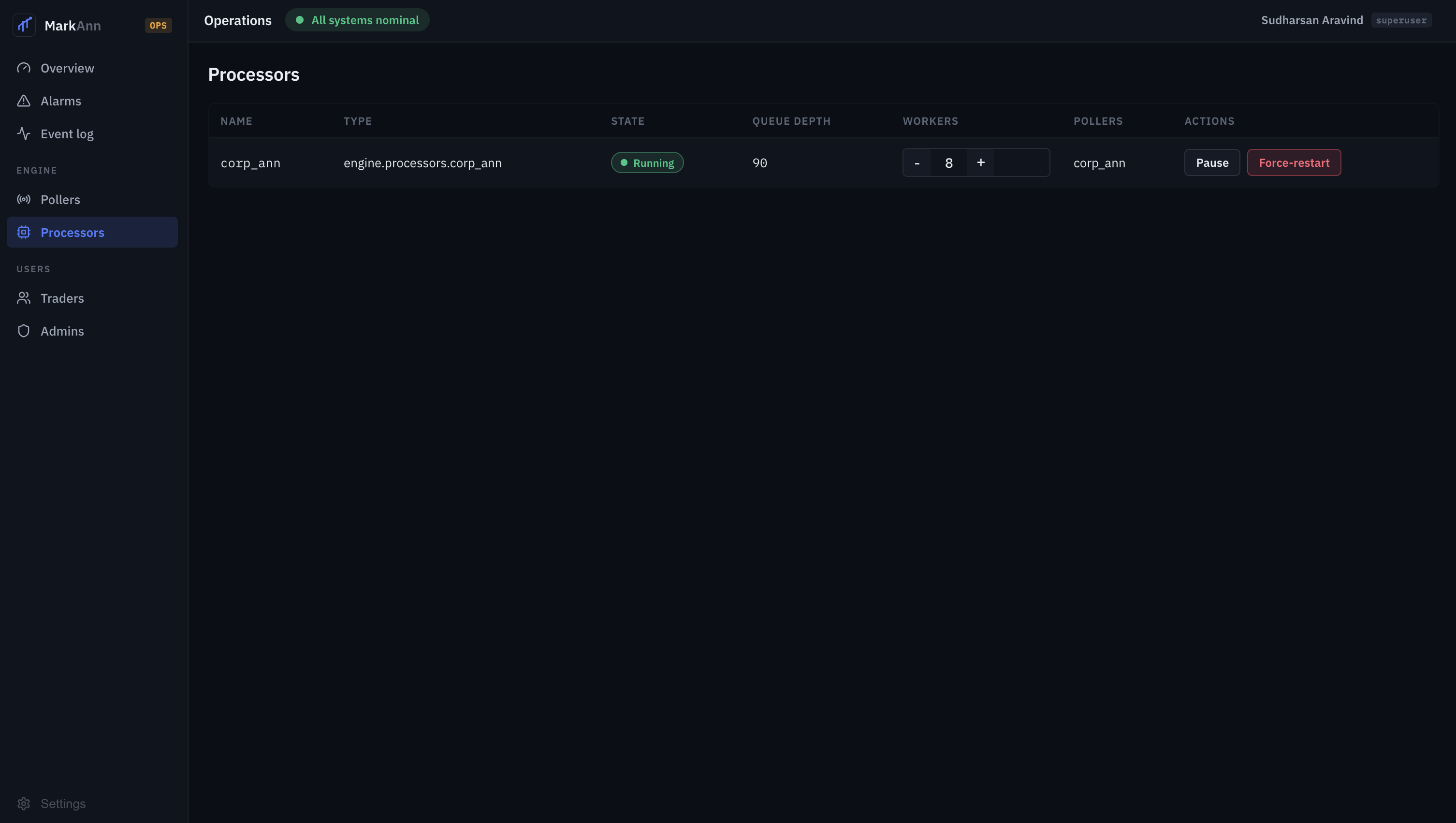
A table of every registered processor: name, type, state, queue depth (items waiting in queue:{api}), workers (the pool-size stepper), linked pollers, and actions.
| Action | Effect |
|---|---|
Resize (− n +) |
Writes the new pool_size into the processor's registry config. Applies on restart. |
| Pause / Resume | Stops / restarts the worker pool. |
| Force-restart | Restarts the pool — also how a resize takes effect. |
Resize then restart
Changing the worker count persists immediately but the running pool keeps its current size until it's restarted — the stepper is labelled "applies on restart". To apply a resize now, adjust the count then Force-restart the processor.
Event log
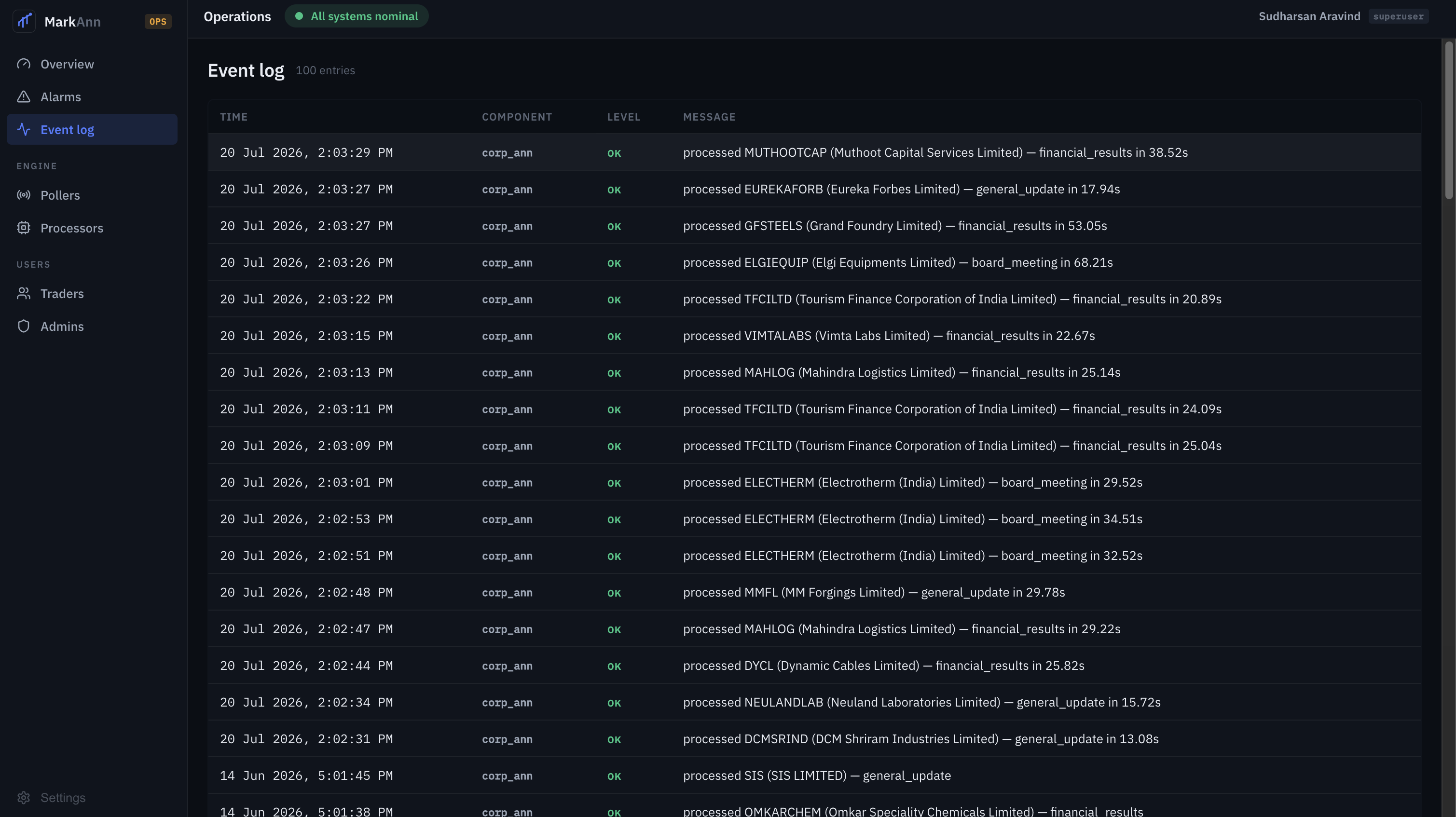
A table of the most recent engine events (Time, Component, Level, Message), newest first, backed by the capped engine:events Redis list.
- Timestamps render as
20 Jul 2026, 2:03:29 PM(datetime with seconds). - Successful processing shows the per-item duration:
processed INFY (Infosys Ltd) — financial_results in 24.09s. - Levels: OK (success), INFO (operator actions), WARN (recoverable issues, fallbacks), CRIT (circuit opened).
See Observability for how to read these and what each level means.
How control flows
Every action button calls the gateway, which proxies to the backend, which publishes to the Redis engine:control channel; the engine's supervisor acts and updates the status key the console reads back. The console never talks to the engine directly. Full sequence in Data Flow.
New components appear automatically
Register a new poller/processor (see Add an alert type) and restart the engine — it shows up on these pages with full controls, no frontend change required, because the tables render the registry.